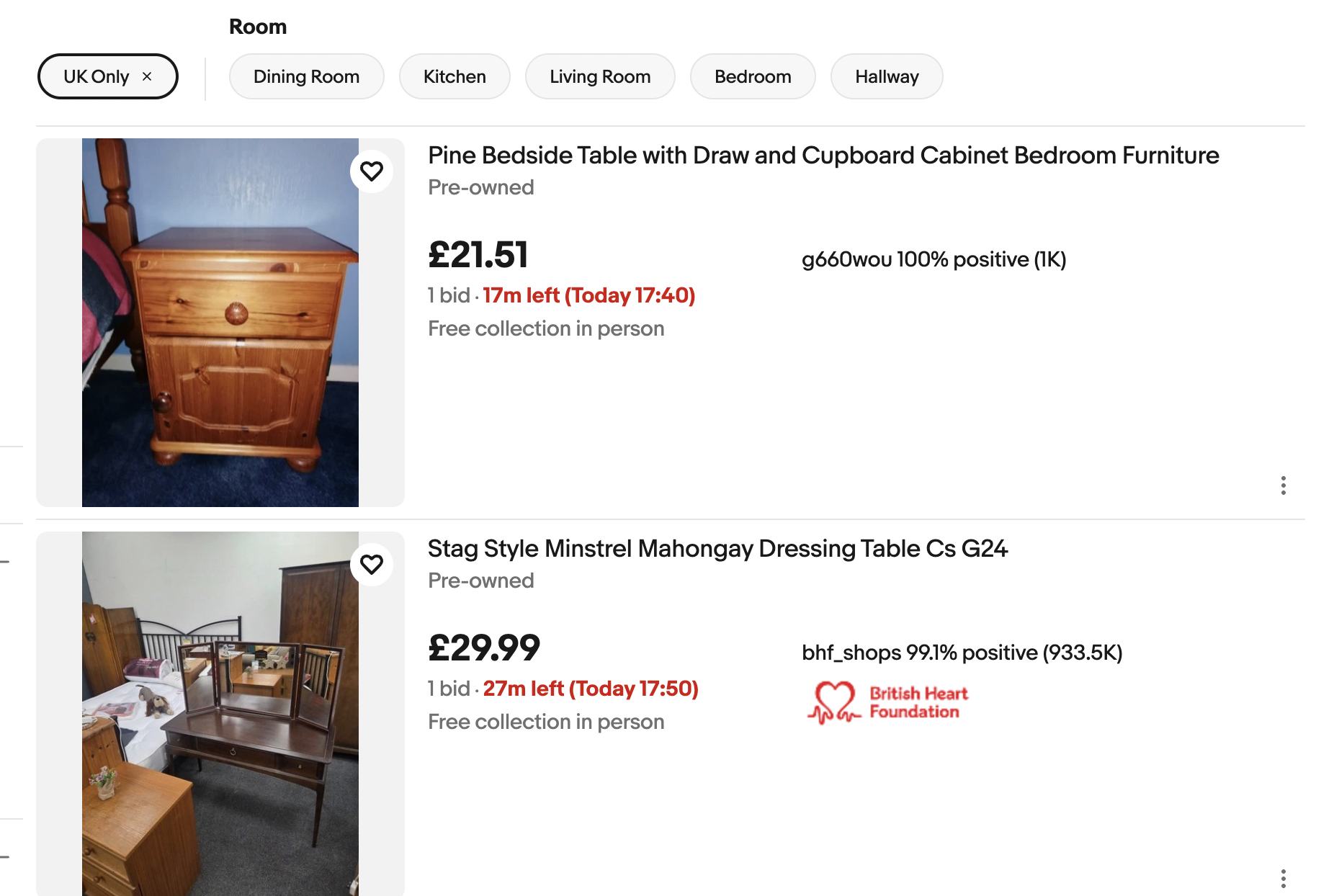
eBay – Auctions Ending Soon With No Bids (Step-by-Step Guide)
- Go to ebay.co.uk.
- Enter a broad product keyword.
- Click Search.
- On the left sidebar, scroll to Buying format.
- Select Auction.
- Scroll to Show only.
- Select Items with no bids.
- Scroll to Ending soonest.
- Sort by Time: ending soonest.
- Set a maximum price to filter out overpriced items.
- Open listings with:
- Poor photos
- Short or badly written titles
- Minimal descriptions
- Check seller feedback and item condition.
- Add the item to Watchlist.
- Place your bid in the last seconds before auction ends.
- Do not bid earlier to avoid price inflation.