Skip to content
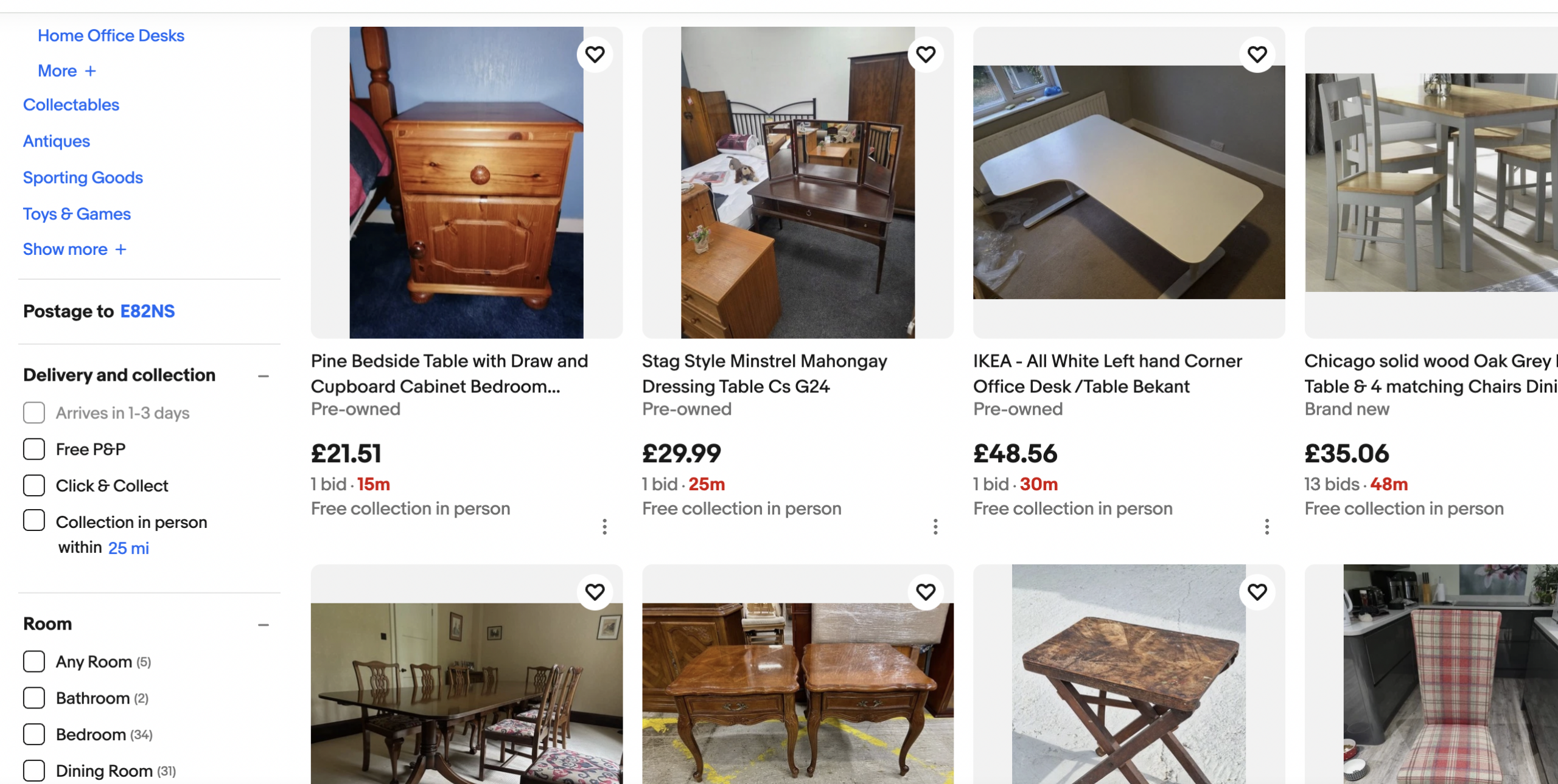
eBay – Auctions Ending Soon (Step-by-Step Guide)
- Go to ebay.co.uk.
- Enter a product keyword.
- Click Search.
- On the left sidebar, scroll to Buying format.
- Select Auction.
- Scroll to Sort.
- Choose Time: ending soonest.
- Set a maximum price.
- Filter by Item location → UK only.
- Open listings with:
- Few bidders
- Average or poor photos
- Short or unclear titles
- Check remaining time carefully.
- Add items to Watchlist.
- Decide your maximum bid in advance.
- Place a single bid in the last seconds.
- Do not rebid after your final bid.