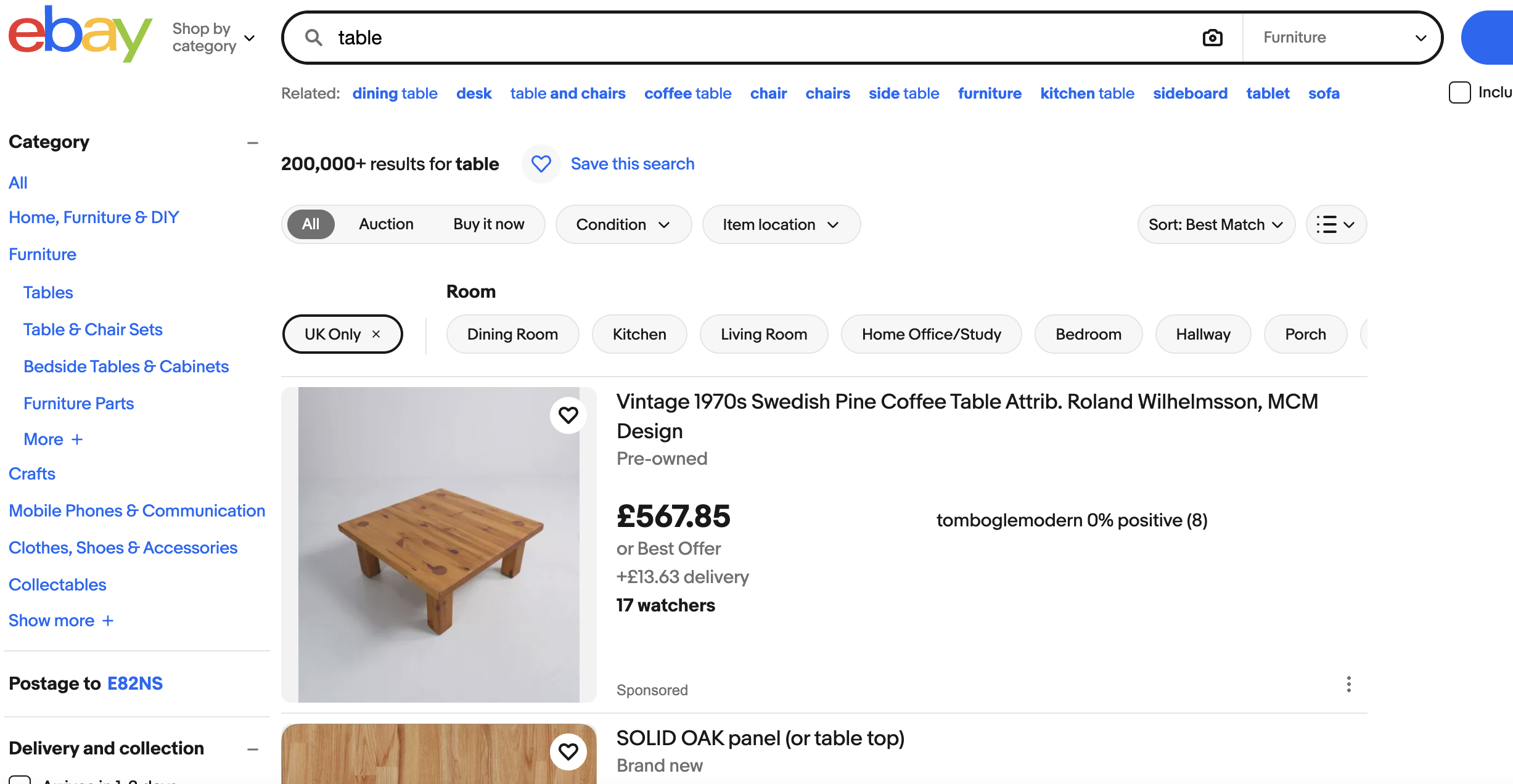
eBay UK – Local Bargain Finder (Step-by-Step Guide)
- Go to ebay.co.uk.
- Enter a generic product keyword (e.g. table, bike, tool, machine).
- Click Search.
- On the left sidebar, scroll to Delivery options.
- Select Local pickup only.
- Scroll to Item location.
- Choose UK only.
- Set Distance and enter your postcode.
- Set a maximum distance (10–50 miles works best).
- Sort results by Price + postage: lowest first.
- Open listings with:
- Poor photos
- Short or vague titles
- “Collection only” mentioned in description
- Check the seller’s location matches your target area.
- Message the seller to confirm availability and pickup time.
- Inspect the item in person before completing the transaction.
- Pay on pickup or via eBay after inspection.